

unividya.com

Learn Microsoft Training. Build Smarter. Work Faster.

Build workplace-ready skills across Microsoft productivity, cloud and business tools through practical training.

ABOUT THE COURSE

What Is Microsoft Training?

Microsoft training develops practical skills across workplace and enterprise technologies such as Microsoft 365, Power BI, Azure and related tools.

UNIVIDYA’s current Microsoft Training page highlights Microsoft Fundamentals, Power BI Data Analyst and Microsoft Administrator pathways.

FROM LEARNING TO APPLICATION

Learn Microsoft Tools. Boost Productivity. Work Smarter.

A practical learning journey designed to help you master Microsoft tools and apply them in real-world work and business scenarios.

01

LEARN

Microsoft Fundamentals

Understand the Microsoft ecosystem, core tools and how to use them effectively.
02

EXPLORE

Essential Microsoft Tools

Explore and learn key Microsoft tools for everyday work and collaboration.
03

PRACTICE

Build Practical Skills

Practice hands-on exercises and real-world examples to build confidence and skills.
04

COLLABORATE

Work Smarter with Teams

Learn to collaborate, share files, manage communication and improve team productivity.
05

APPLY

Real-World Projects

Apply your skills to real projects and solve practical business tasks.

Why Learn with Unividya ?

Training designed for confidence, clarity, and career outcomes.

Every program combines practical learning, personal guidance, and real employability support.

01

100%
Practical Training

Hands-on sessions, assignments, and live practice from the first week.

02

Industry
Certified Courses

Career-focused curriculum aligned with current tools and job expectations.

03

Expert
Mentors & Trainers

Learn from practitioners who guide concepts, projects, and confidence.

04

Soft Skills &
Personality Development

Improve presentation, communication, confidence, and workplace readiness.

05

Internships &
Placement Assistance

Resume support, internships, job guidance, and interview preparation.

06

1-on-1
Career Mentoring

Personalized path selection, doubt solving, and progress
guidance.

SAME LEARNING. A BRIGHTER YOU.

Gain job-ready skills with Unividya.

faq

Frequently Asked Questions

Get answers to the most common questions about our Generative AI course.

Do I need prior Microsoft Office experience?

No. The training starts with Microsoft fundamentals and gradually introduces essential tools and practical workplace skills.

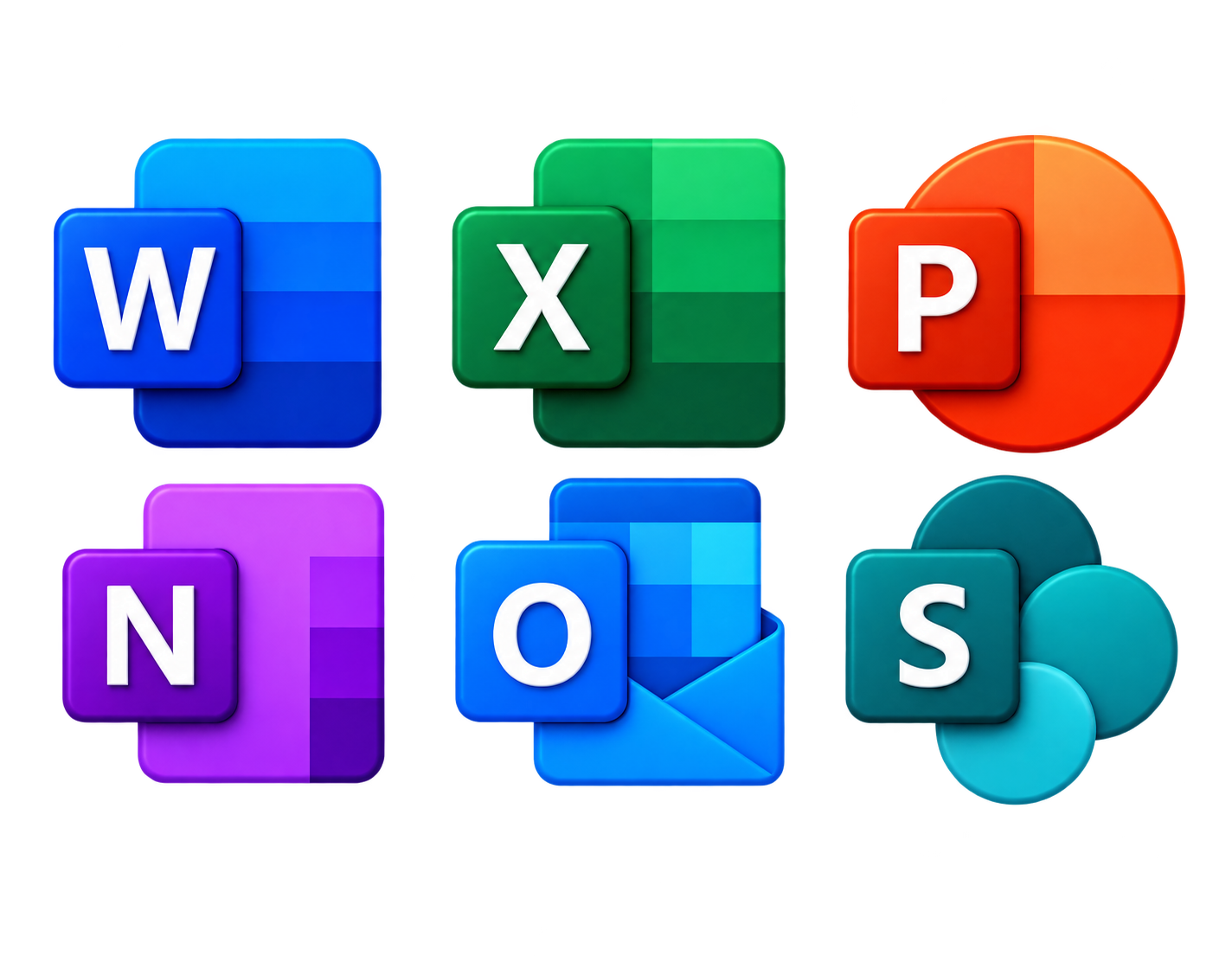
The training can cover Microsoft Word, Excel, PowerPoint, OneNote, Outlook, Microsoft Teams, OneDrive and SharePoint.

Yes. The course is designed to help beginners understand Microsoft tools step by step through practical exercises and examples.

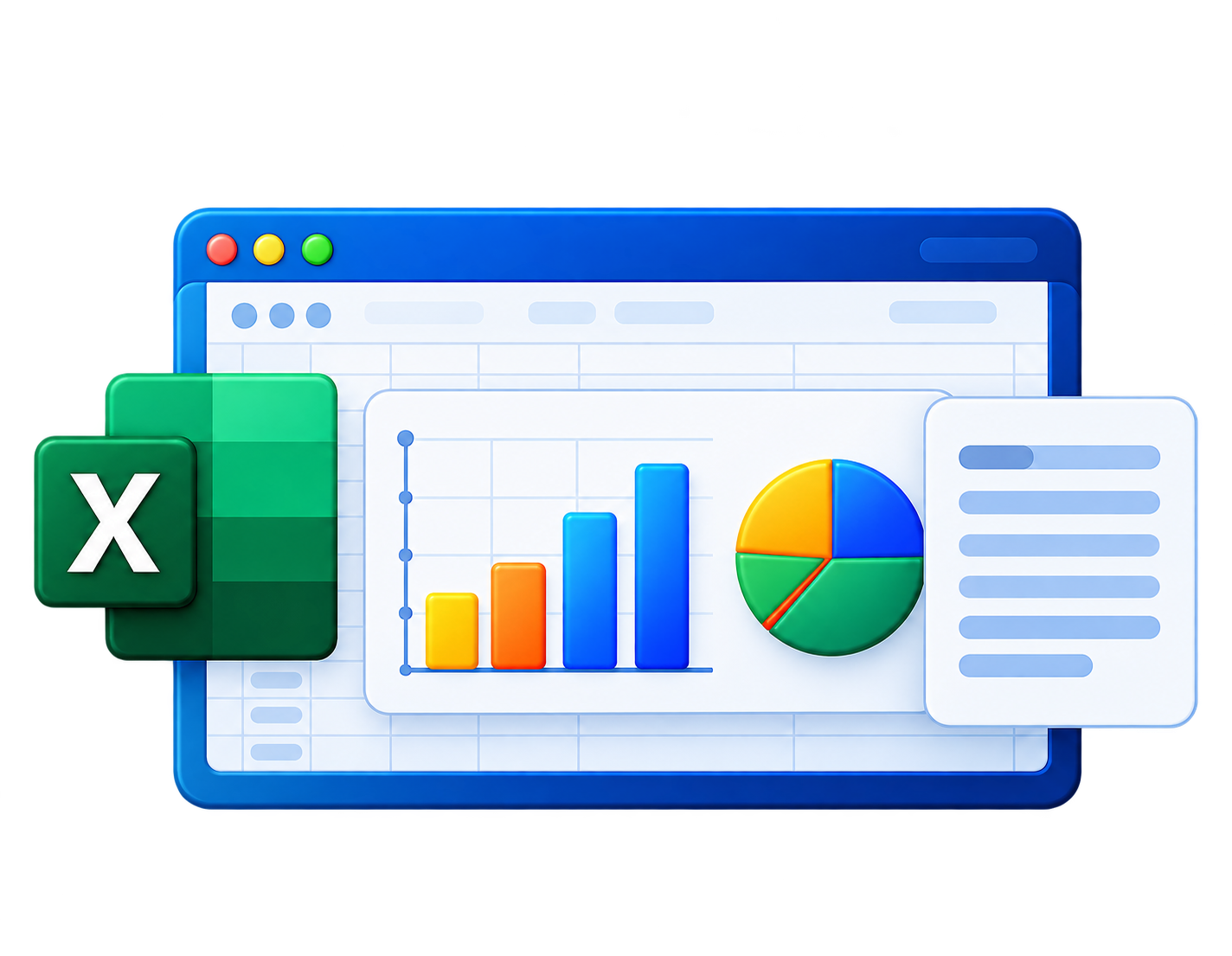
Yes. The training can include Excel data entry, formatting, formulas, functions, charts, visualization, data analysis and reporting.

Yes. Microsoft tools can support documentation, data management, presentations, communication, collaboration, reporting and everyday business workflows.

INQUIRY FORM

Start Your Learning Journey Today

Fill in your details and our career counsellor will get in touch with you shortly.

Contact Form Demo